From Register payment
When Link To Pay is enabled for the merchant, the payment screen can show Link To Pay under other methods.1
Build the sale
Add items or an Open Sale amount in Register, then tap Pay.
2
Choose Link To Pay
Tap Link To Pay.
3
Confirm
Confirm sending when prompted (Link To Pay / proceed to send to the selected client contact).
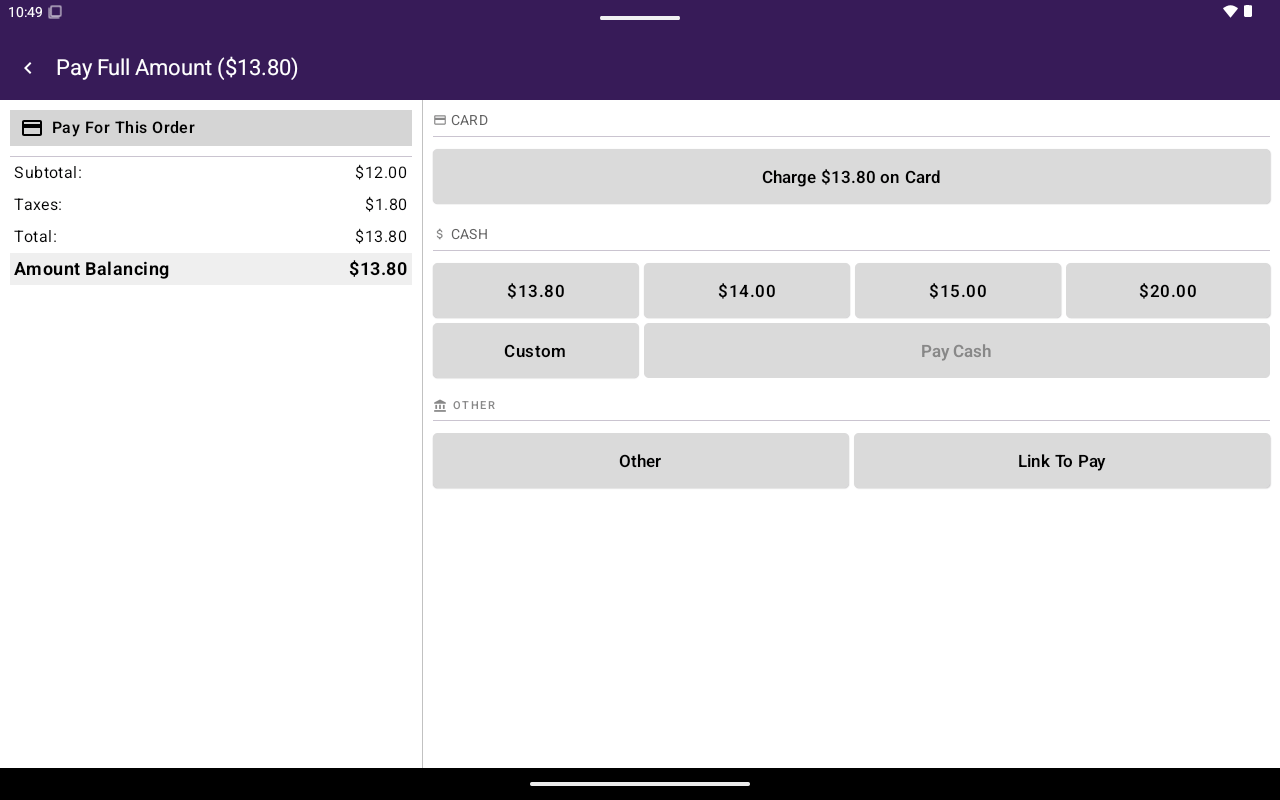
Register payment with Link To Pay option.
New Invoice form (fields)
The POS also includes a New Invoice / Edit Invoice form used for full invoice creation (also related to HQ invoicing). Key fields:
Footer actions include draft and create invoice (or update invoice / update draft when editing).
Validation examples: invoice number, client, and location required; SMS requires the client to have a phone number.
For HQ-side invoicing setup, see Invoicing.