Search and filters
On Link To Pay, use search in the app bar, or open Filter Link To Pay:
Reset Filters, then Save or Cancel.
Row actions
Tap a row to expand actions: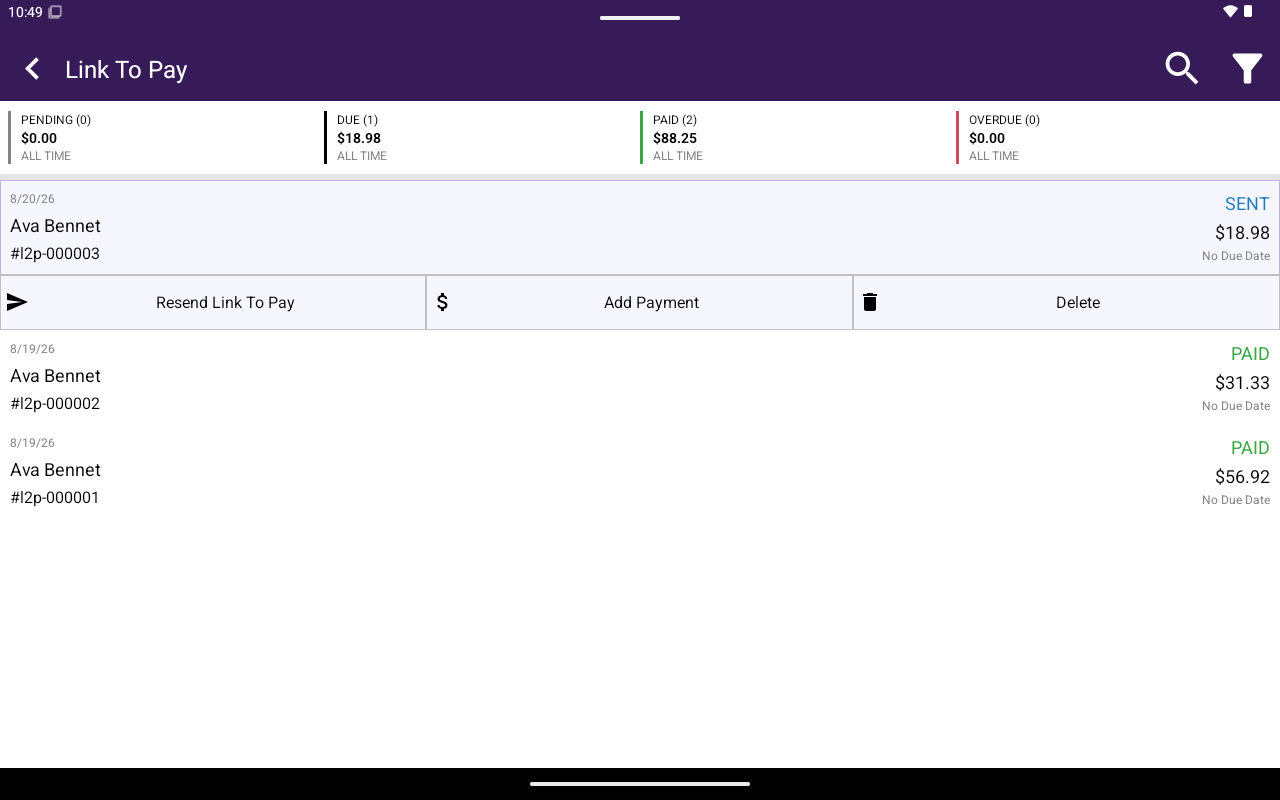
Expanded Link To Pay row actions.
Add Payment
On Add Payment:- Enter AMOUNT ($).
- Choose Payment Method (CHEQUE or OTHER).
- Optional Notes.
- Set Send Receipt To Customer (YES / NO).
- Tap Record Payment.