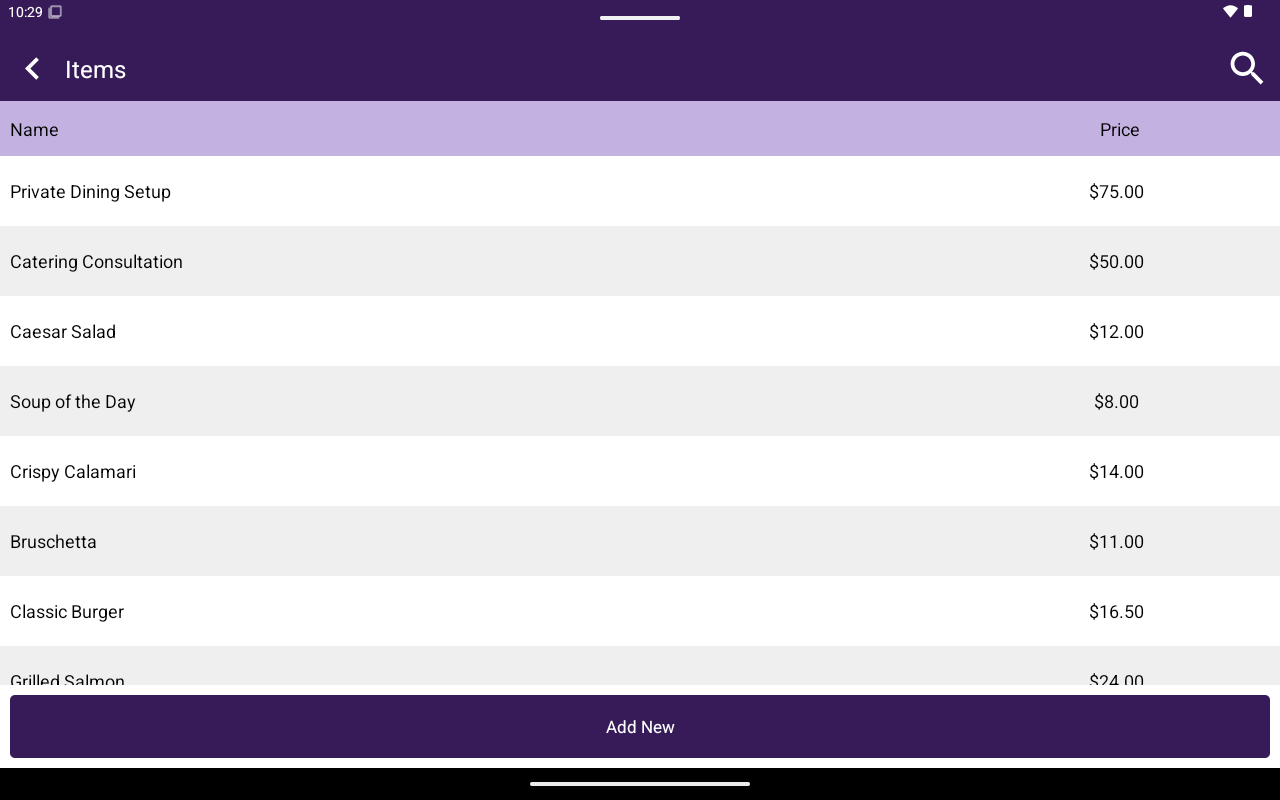
Products/Items list with Add New.
How to get here
Home → Menu / Catalog → Products or Items.Add a product or item
1
Tap Add New
Open the create form.
2
Enter details
Fill in Name (required), Description, Custom Price (YES/NO), Price (required when not custom), and Sku when applicable.
3
Confirm
Save the new product/item.
Edit a product or item
Open a row to edit. The editor includes:
Use Delete to remove the product/item after confirmation.
Search supports name lookup (and barcode input where configured).