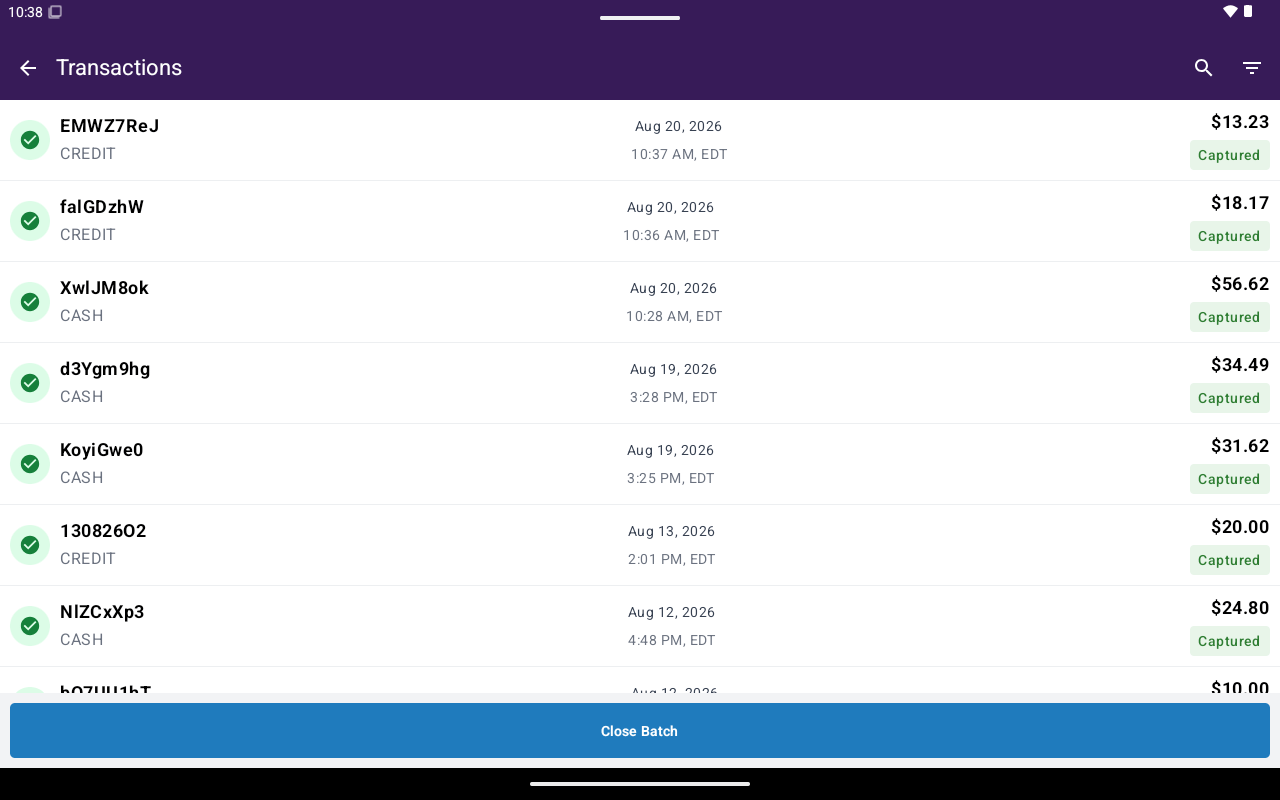
Transactions list with ID, Date/Time, and Total columns.
What’s on the list
Each row also indicates payment method (cash vs card) and uses status coloring (for example captured, authorized, voided, refunded).
Search and filters
- Tap search to filter the list by typing.
- Tap filter to open Filter Transactions (date range, status, type, payment method, settlement status). See Search and filters.
Common follow-ups
Void
Cancel an unsettled captured payment or void an authorization.
Refund (Return)
Full or partial return on an eligible payment.
Reprint
Print merchant or customer copy again.
Details
Status, history, terminal info, and available actions.
End of Day
Preview, generate, and print a merchant daily report for one or more devices.
Settlement / close-batch workflows are not covered here yet. Filter chips may still mention settlement status.