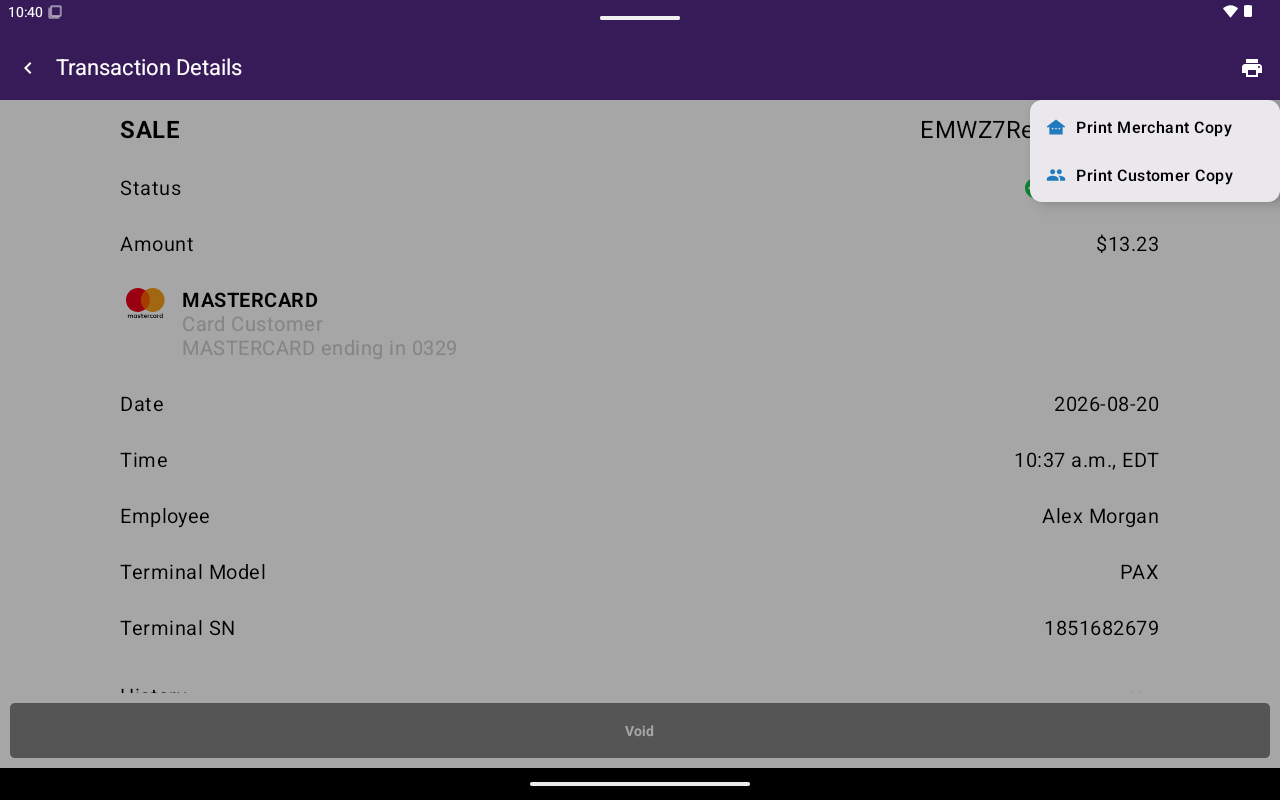
Print menu with Print Merchant Copy and Print Customer Copy.
Reprint from details
1
Open the payment
Go to Home → Transactions and open Transaction Details.
2
Open print options
Tap the print icon in the app bar.
3
Choose a copy
Select Print Merchant Copy or Print Customer Copy. Payout receipts may show Print Receipt only.