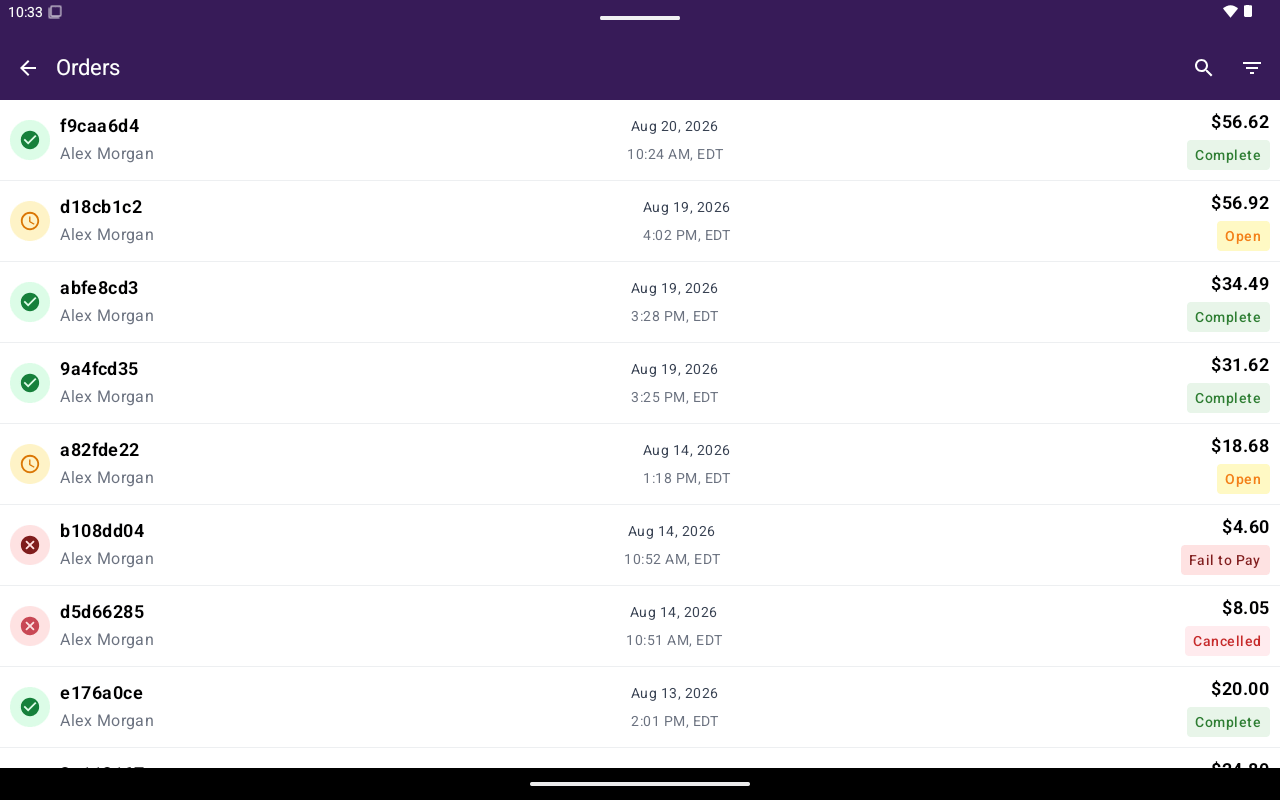
Orders list with Name, Date/Time, Total, and status chips.
How to get here
From Home, tap Orders.What’s on the list
Rows show status chips such as Open, Complete, or Cancelled.
Use search and filters to narrow the list. Pull down to refresh.
If QuickBooks is enabled for the merchant, Sync Sales may appear at the bottom of the list.
Common actions
Find and reopen
Search, filter by status, and open an order in Register.
Past order actions
Print receipts, send to kitchen, and review totals.