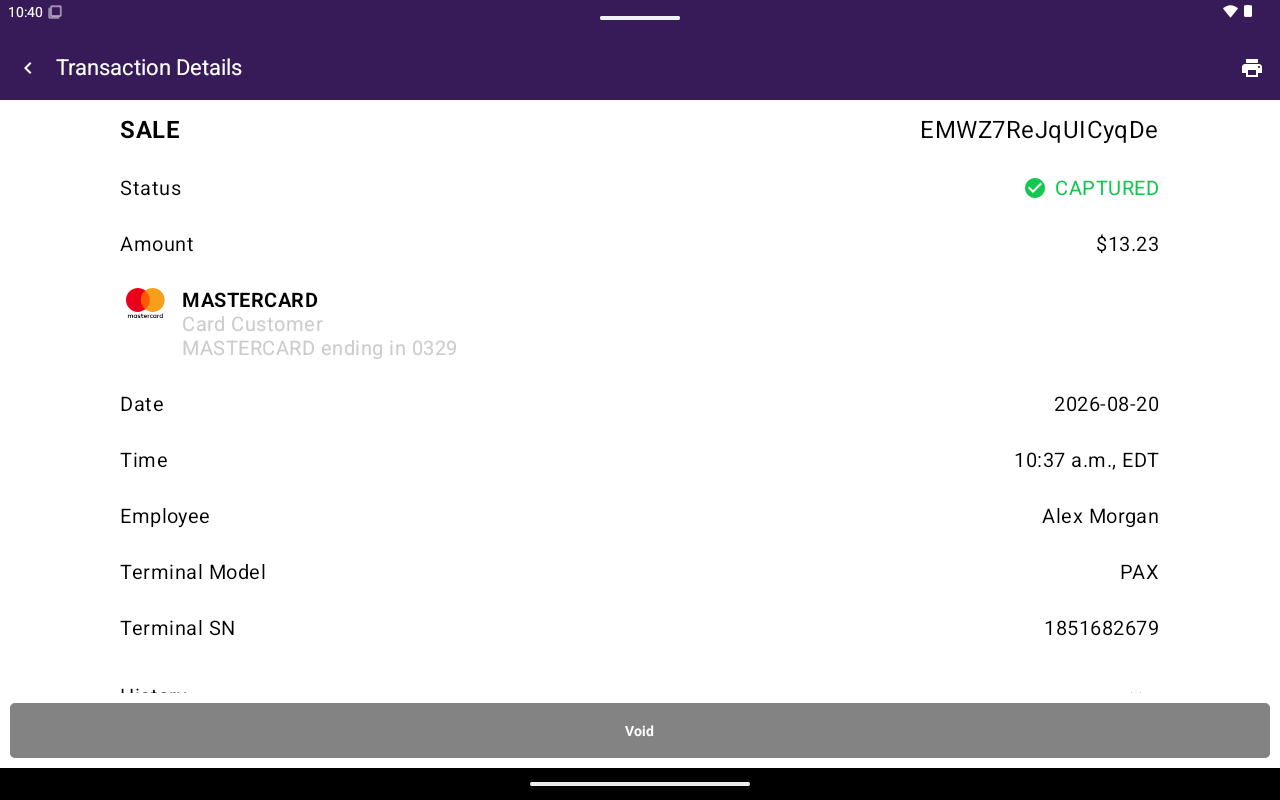
Open any row on the Transactions list to see Transaction Details.
Transaction Details with status, amount, and action buttons

Transaction Details with status, amount, and action buttons.

What you see

Actions

Actions appear at the bottom of the screen only when the payment is eligible. Staff without manage-transactions permission do not see Void, Void Auth, or Return. See Void and Refund for step-by-step flows.

Reprint from details

Tap the print icon in the app bar, then choose Print Merchant Copy or Print Customer Copy (payouts may show Print Receipt only). See Reprint.