Create a client
1
Open Clients
From Home, tap Clients, then Add New.
2
Enter details
On New Client, fill in:
3
Save
Tap Add Client.
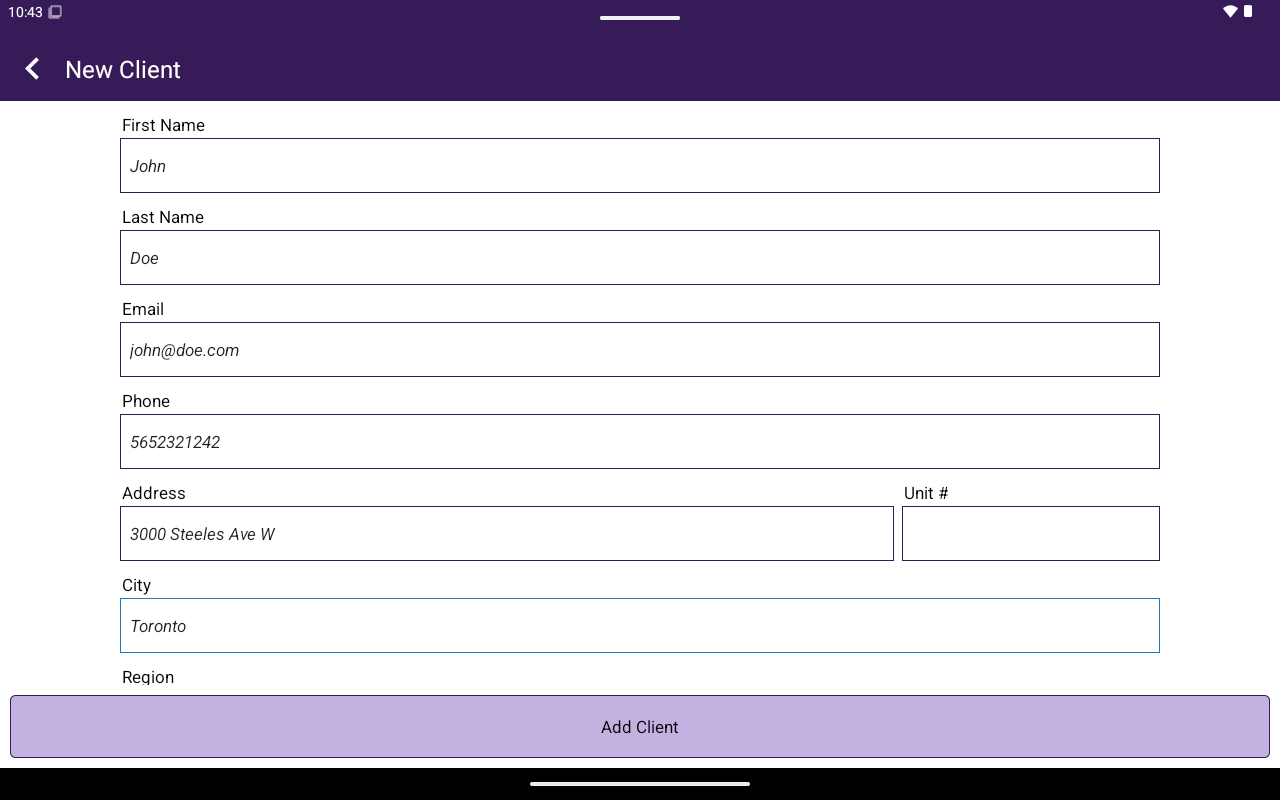
New Client form.
Client portal
Opening a client shows Client with two tabs:Edit details
Helper text: Update customer details below, then tap Save Changes. Sections:- Basic Info
- Contact
- Address (can Edit address / Hide address)
- Notes — No notes on file. or existing notes; Add a note
- Save Changes (while editing)
- Edit Details (from Activity)
- Delete Client → confirm Proceed to deleting this client?
Activity
Use Activity Menu to switch sections:
Quick Summary chips can show Invoices, Transactions, and Total Paid.