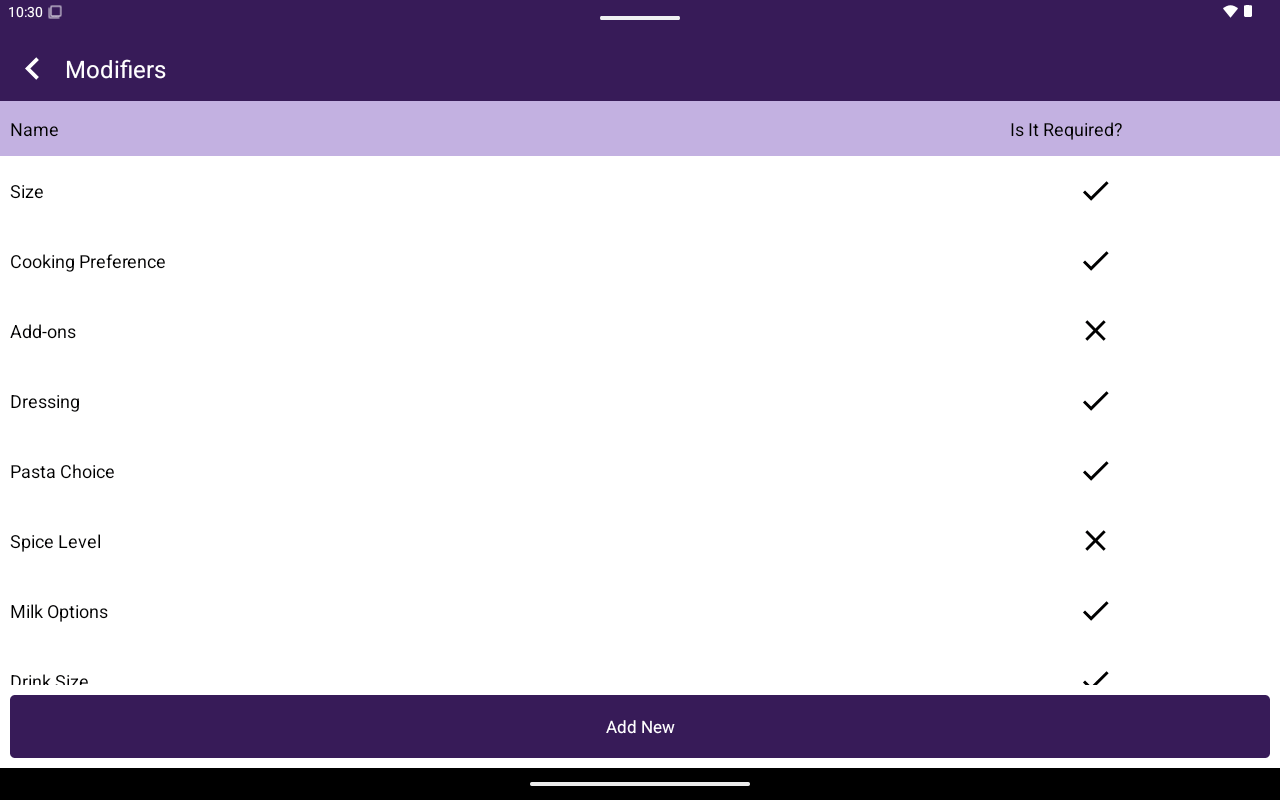
Attributes/Modifiers list showing Name and Is It Required.
How to get here
Home → Menu / Catalog → Attributes or Modifiers.Add an attribute or modifier group
1
Tap Add New
Open the create form.
2
Configure the group
Enter Name and Max. Choose Exactly One or Combination, and Required or Not Required.
3
Add values
Under Values, add each option with Value, Price, quantity +/- controls, and Single / Not Single as needed. Tap Add for more values.
4
Save
Confirm to create the group.