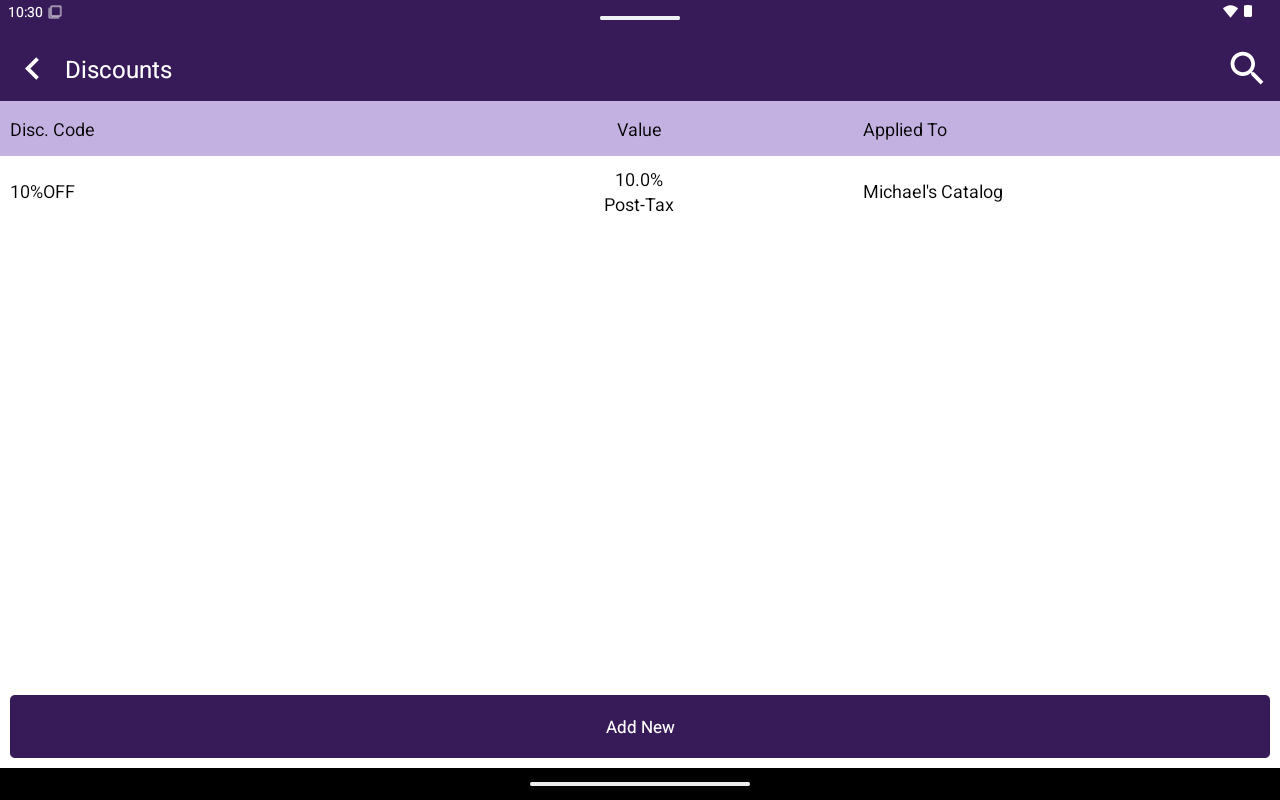
Discounts list with Disc. Code, Value, Applied To.
How to get here
Home → Menu / Catalog → Discounts.Create a discount
1
Tap Add New
Open the discount form.
2
Enter code and value
Set Disc. Code, choose Percentage or Fixed Amount, and enter the value.
3
Configure how it applies
Set Applied Before Tax? (YES/NO), then Order Level or Item Level.
4
Choose catalog and category
Select Applied Catalog / Applied Menu. For item-level discounts, also select Applied Category (required).
5
Confirm
Save the discount.