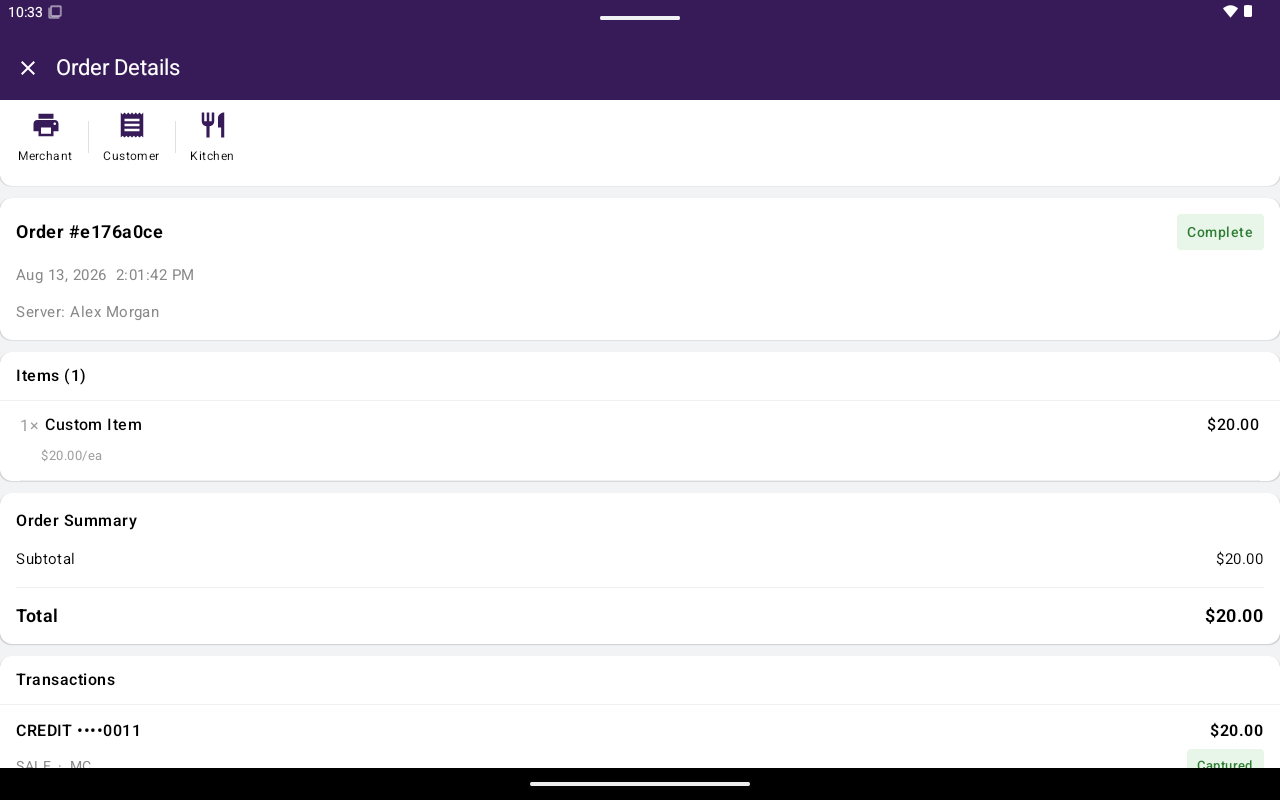
Open any order to review totals and use print actions. Bottom actions like Open In Register apply only to open orders — see Find and reopen.
Order Details with totals and print menu

Order Details with totals and print menu.

Review totals

Order Details can show:
  • Subtotal:
  • Tax, discount, and fee totals
  • Card price adjustment: (when dual pricing applies)
  • Tip:
  • Total:
  • Refund / net amounts when applicable
  • Note
Tap the print control in the header to open receipt options: Printer setup is under Settings → Printers.

Tip adjust

An Adjust Tip control exists in the product for some order/payment scenarios, but it is not currently shown on Order Details. Tip changes that are available today are handled from Transaction details when tip adjust is enabled and the payment is eligible.