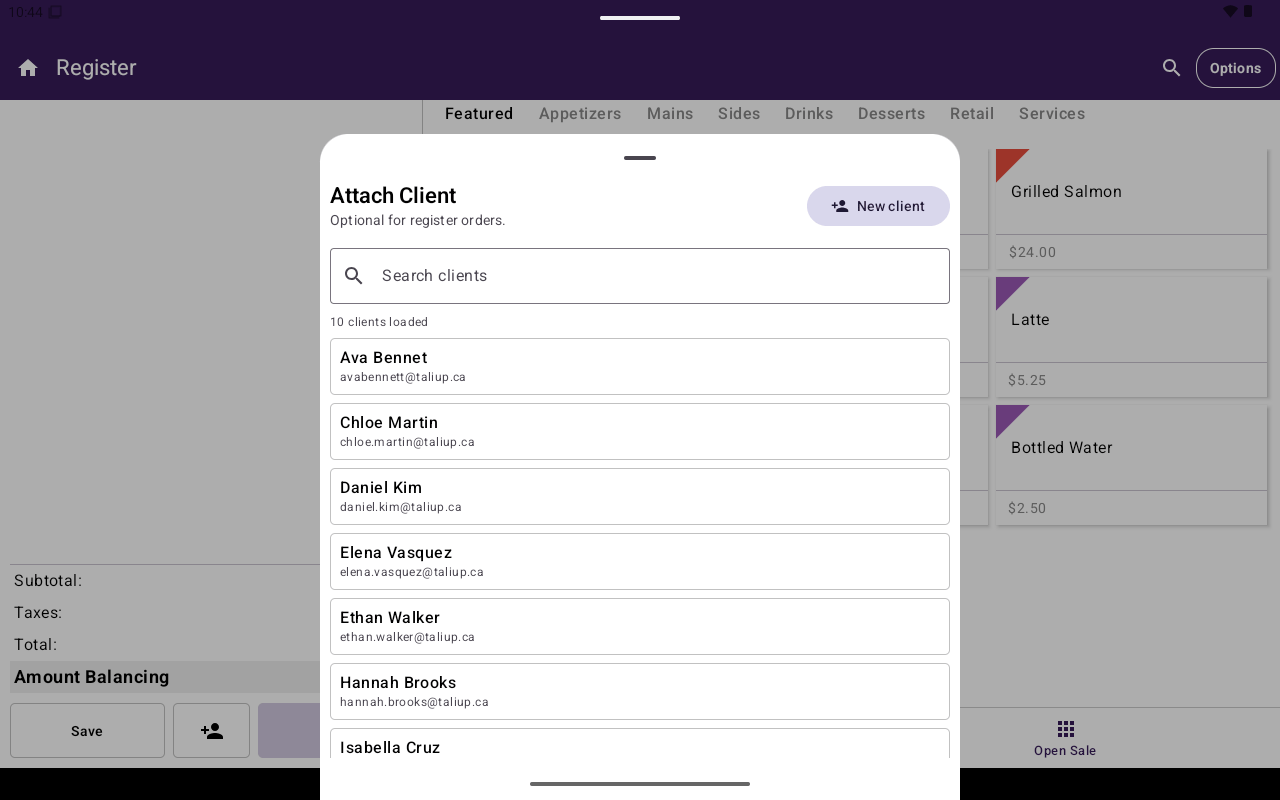
Attach Client sheet in Register.
Attach a client
1
Open Attach Client
From the Register cart, tap the attach-client control (person icon). The sheet title is Attach Client with hint Optional for register orders.
2
Find or create
Use Search clients, pick a row, or tap Add New to create inline (First name, Last name, Email, Phone).
3
Confirm
Tap Attach Client. The cart shows Client Attached.
Change or remove
Phone validation on inline create expects a valid format (for example
+1XXXXXXXXXX). Invalid email or missing required fields show inline errors.
After payment, Taliup POS can email the receipt to the attached client’s address. If the client has no email, Email is hidden on the receipt chooser. See Customer receipt.