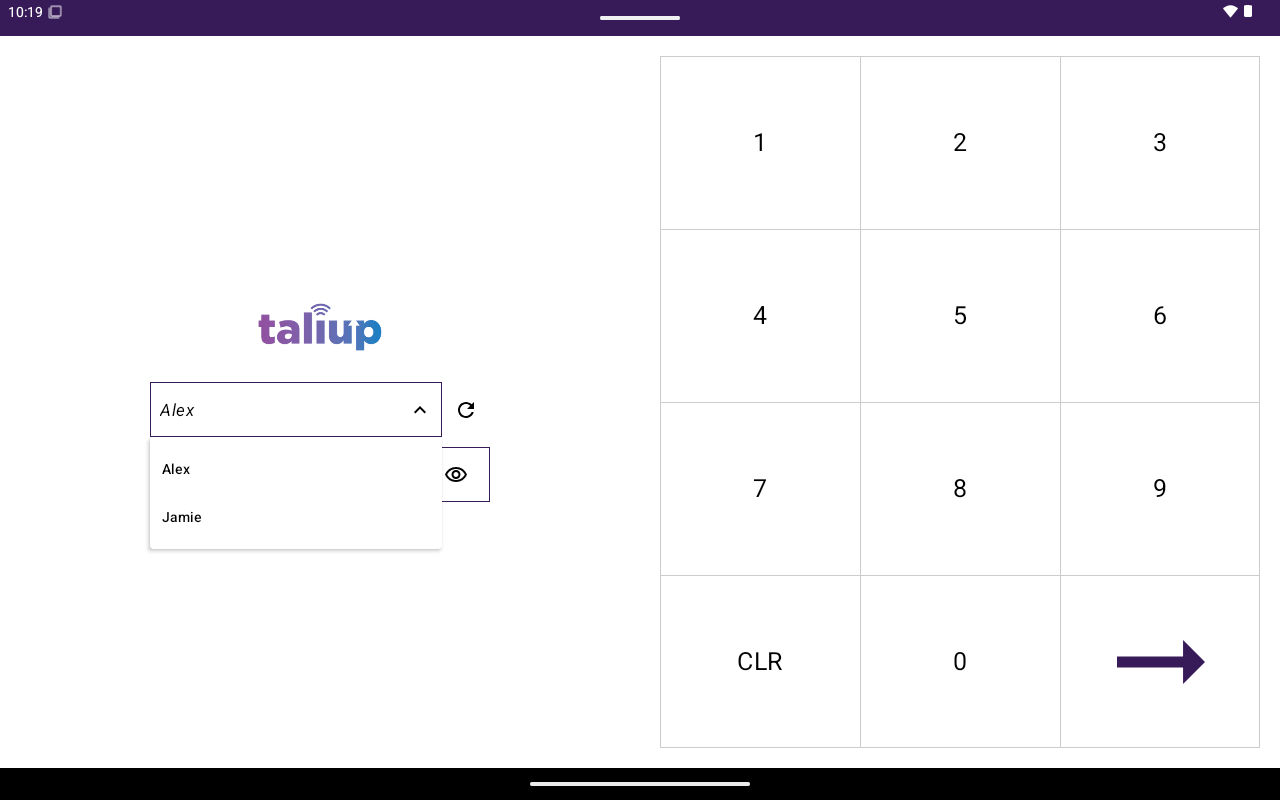
Login screen with user list and passcode pad.
Before you start
- Device registration and merchant setup in Taliup HQ are complete. See PAX device setup in Taliup HQ.
- At least one employee user exists for the merchant.
- The terminal is online.
Sign in
1
Open Taliup POS
Launch the Taliup POS app on the terminal.
2
Select your user
Choose your name from the login list. If no users appear, the device is not registered correctly in Taliup HQ — finish device setup there first.
3
Enter your passcode
Enter the staff passcode on the keypad. Subscription or demo plans may require a demo passcode from your ISO or partner.
4
Continue to Home
After a successful login you land on the Home screen.