> ## Documentation Index
> Fetch the complete documentation index at: https://docs.taliuphq.com/llms.txt
> Use this file to discover all available pages before exploring further.
# Device settings
> View and change card reader connection settings for this terminal.
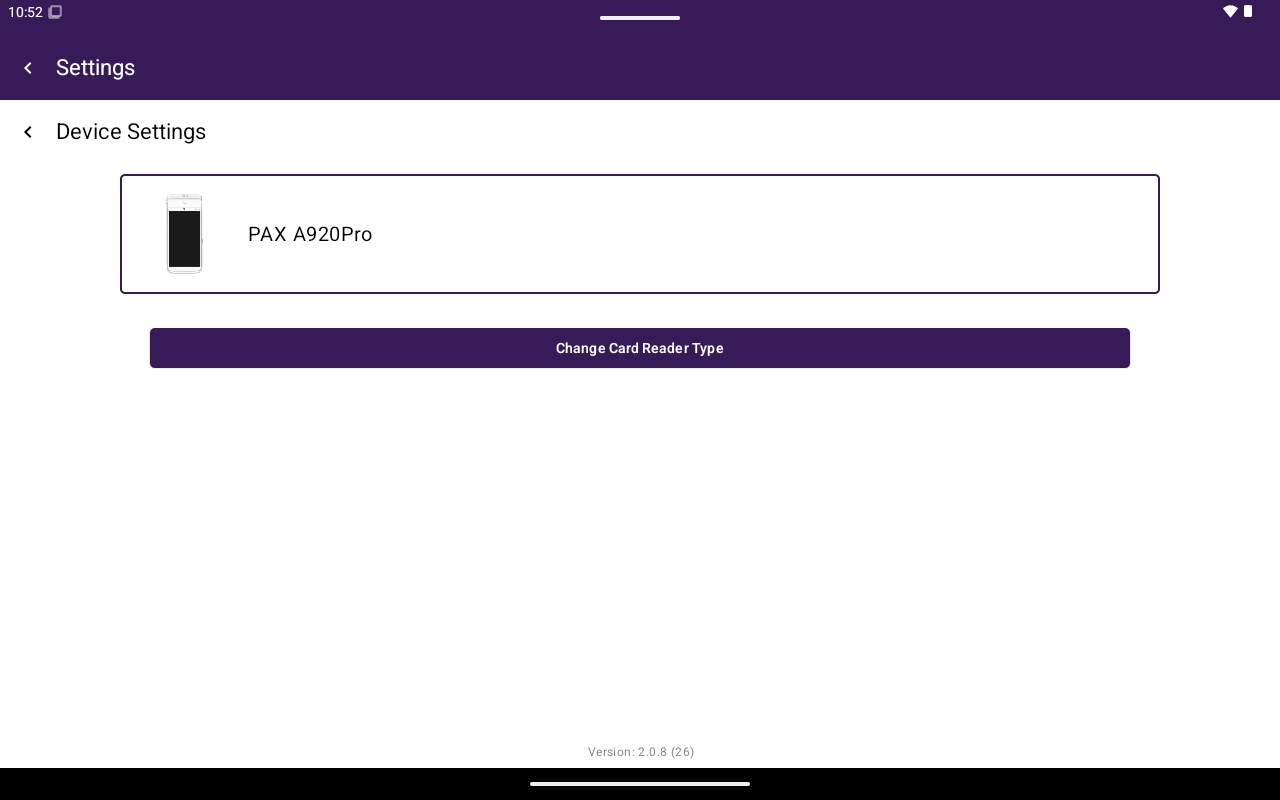
**Device Settings** configures how this terminal talks to its card reader. The button appears under General only when the current payment setup supports device settings.
 ## How to get here
Home → **Settings** → **General** → **Device Settings**.
## What you can do
| Control | Purpose |
| ---------------------------------------------- | ------------------------------------------------------ |
| Current reader card | Shows the active card reader type |
| **Change Card Reader Type** | Switch reader configuration |
| Connection type | For example **USB** or **IP**, depending on reader |
| **IPv4 Address** / **Port** | Used for IP-connected readers |
| Encryption options | Shown when the reader setup requires them |
| **Save** | Store connection settings |
| **Connect Card Reader** / **Check Connection** | Test or establish the reader link on supported readers |
Exact fields vary by reader model and payment integration. If **Device Settings** is missing, this terminal’s payment setup does not expose on-device reader configuration here.
## How to get here
Home → **Settings** → **General** → **Device Settings**.
## What you can do
| Control | Purpose |
| ---------------------------------------------- | ------------------------------------------------------ |
| Current reader card | Shows the active card reader type |
| **Change Card Reader Type** | Switch reader configuration |
| Connection type | For example **USB** or **IP**, depending on reader |
| **IPv4 Address** / **Port** | Used for IP-connected readers |
| Encryption options | Shown when the reader setup requires them |
| **Save** | Store connection settings |
| **Connect Card Reader** / **Check Connection** | Test or establish the reader link on supported readers |
Exact fields vary by reader model and payment integration. If **Device Settings** is missing, this terminal’s payment setup does not expose on-device reader configuration here.