> ## Documentation Index
> Fetch the complete documentation index at: https://docs.taliuphq.com/llms.txt
> Use this file to discover all available pages before exploring further.
# Categories
> Create and manage categories for your menu or catalog.
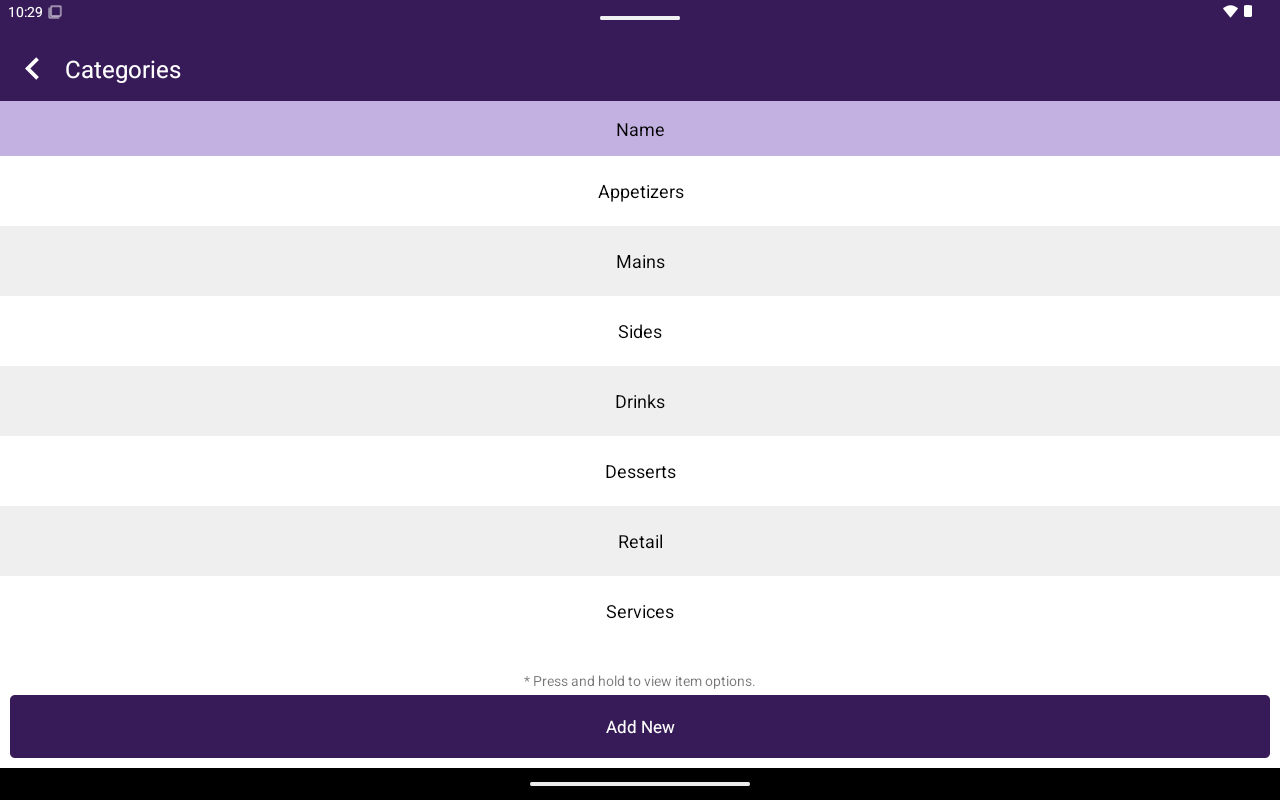
Use **Categories** to group products or menu items so staff can browse them in Register.
 ## How to get here
Home → **Menu** / **Catalog** → **Categories**.
## Manage categories
| Action | How |
| ------ | -------------------------------------------------- |
| Add | Tap **Add New**, enter **Category Name**, confirm |
| Rename | Press and hold → **Rename Category** |
| Delete | Press and hold → **Remove Category**, then confirm |
## Manage items in a category
Open a category to see its items (**Name**, **Price**).
* **Add New** — create a product/item in this category
* **Add From Existing** — attach an existing product/item
* Press and hold → **Remove from Category**
* Search within the category when available
## Related
* [Products / Items](/taliup-pos/catalog/products)
* [Add items in Register](/taliup-pos/register/add-items)
## How to get here
Home → **Menu** / **Catalog** → **Categories**.
## Manage categories
| Action | How |
| ------ | -------------------------------------------------- |
| Add | Tap **Add New**, enter **Category Name**, confirm |
| Rename | Press and hold → **Rename Category** |
| Delete | Press and hold → **Remove Category**, then confirm |
## Manage items in a category
Open a category to see its items (**Name**, **Price**).
* **Add New** — create a product/item in this category
* **Add From Existing** — attach an existing product/item
* Press and hold → **Remove from Category**
* Search within the category when available
## Related
* [Products / Items](/taliup-pos/catalog/products)
* [Add items in Register](/taliup-pos/register/add-items)